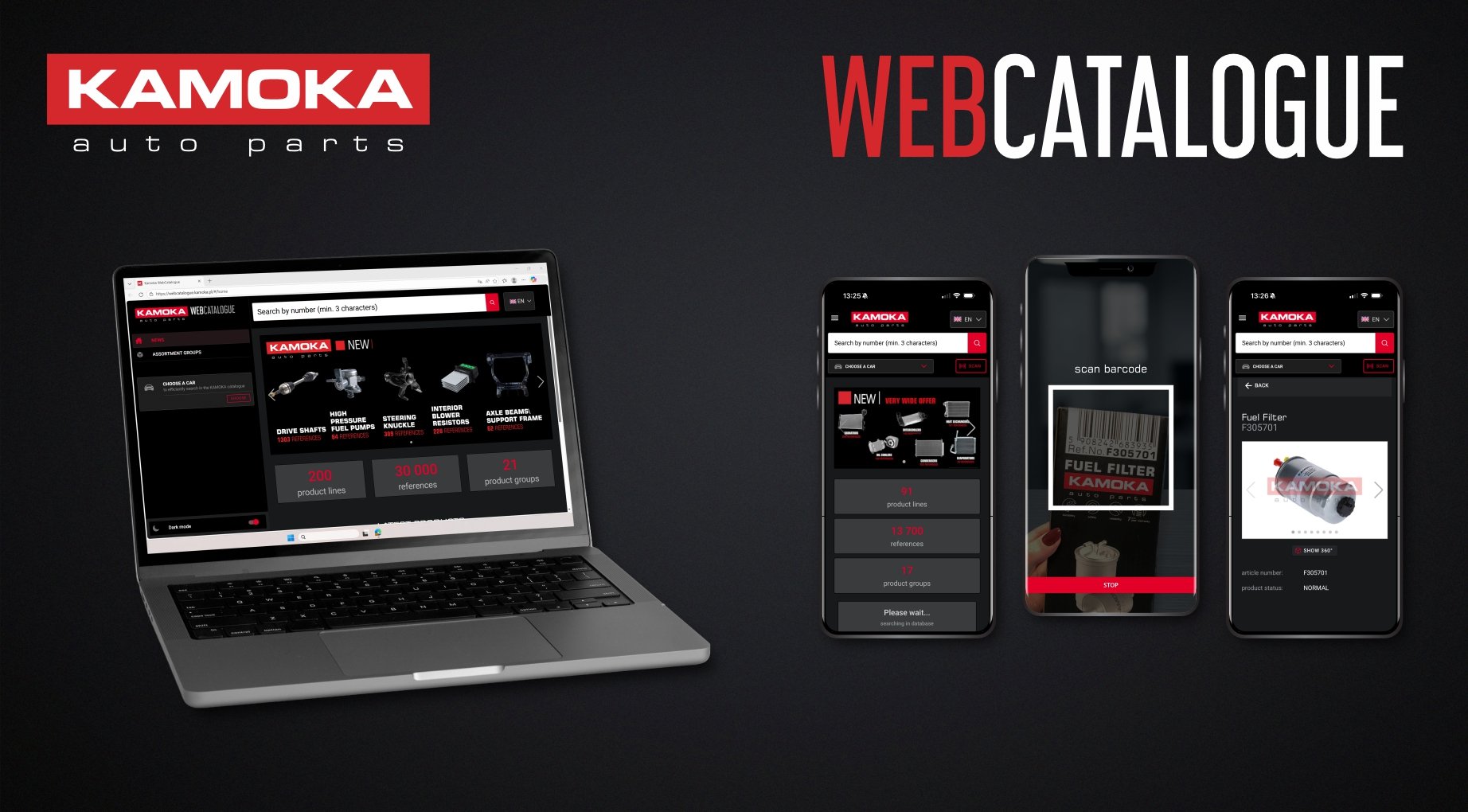
KAMOKA WebCatalogue – All Parts in One Place
- 17.02.2026
KAMOKA WebCatalogue – spare parts catalog available in the app and online
Digital tools are increasingly entering the automotive industry, making the daily work of mechanics and distributors easier. As a brand that has been operating on the market for 20 years with an offer comprising 200 product lines and over 35,000 references – we provide a modern online catalog called KAMOKA WebCatalogue. The full range of parts can now be conveniently browsed both on a computer (via a web browser) and on a smartphone thanks to the dedicated KAMOKA mobile application. What makes this tool stand out and how can it support work in a workshop or parts store? Below are the key details.
Features and Benefits of the KAMOKA Application
The KAMOKA application has been designed as a comprehensive spare parts catalogue that quickly and intuitively provides users with the information they need. It allows product searches in several ways, including:
- Search by number – simply enter the KAMOKA catalogue number, OE (original equipment) number, or a competitor’s equivalent number to find the corresponding part.
- Search by vehicle – search by car make, model, and version to quickly find all compatible parts, eliminating the risk of selecting an incompatible component.
- Barcode scanning – use a smartphone camera to scan the barcode on KAMOKA packaging. The application instantly recognizes the code and displays product information.
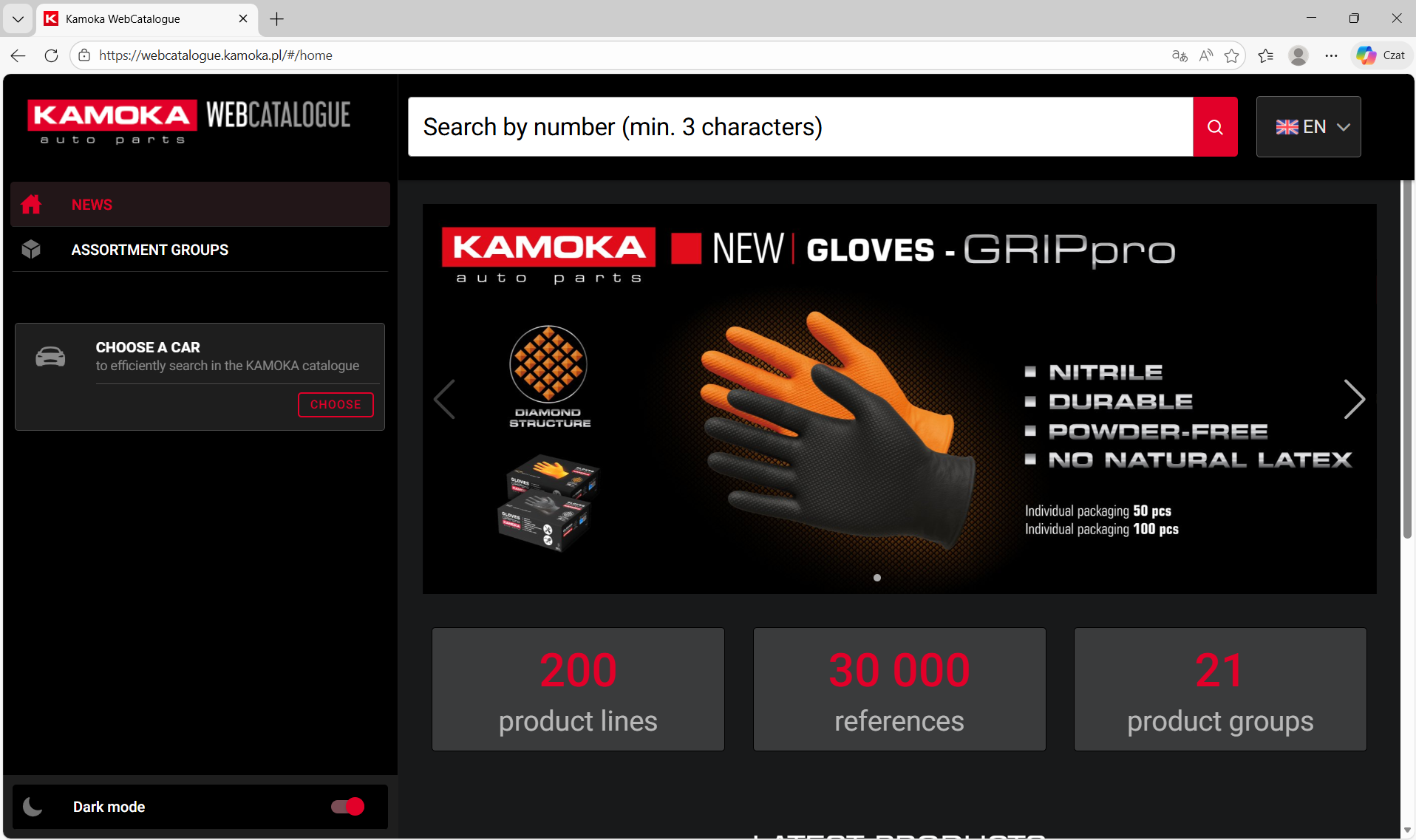
Photo: copyright KAMOKA brand
One of the most important advantages of the application is the detailed information about parts available immediately. After finding a specific part, the user will see its name and catalog number, and can also check: Detailed technical data – dimensions, parameters, materials, and other essential product characteristics.
- Detailed technical data – dimensions, parameters, materials, and other important product features.
- Product photos and 360° presentations – interactive images allowing a thorough view of the part from every angle.
- Vehicle applications – a list of car models that the part fits (this makes it easier to verify the compatibility of the part with a specific car).
- OE and cross-reference numbers – – information about the original part numbers of the vehicle manufacturer and their equivalents from other brands, which helps to find alternative products.
- Installation instructions – if available, the application will display guides or tips for the correct installation of parts.
- Status and availability – The application will indicate whether a given part is available, but will not provide detailed information about the number of items available. The number of available products can be checked after logging into the KAMOKA Orders application, which is available to the brand's customers.
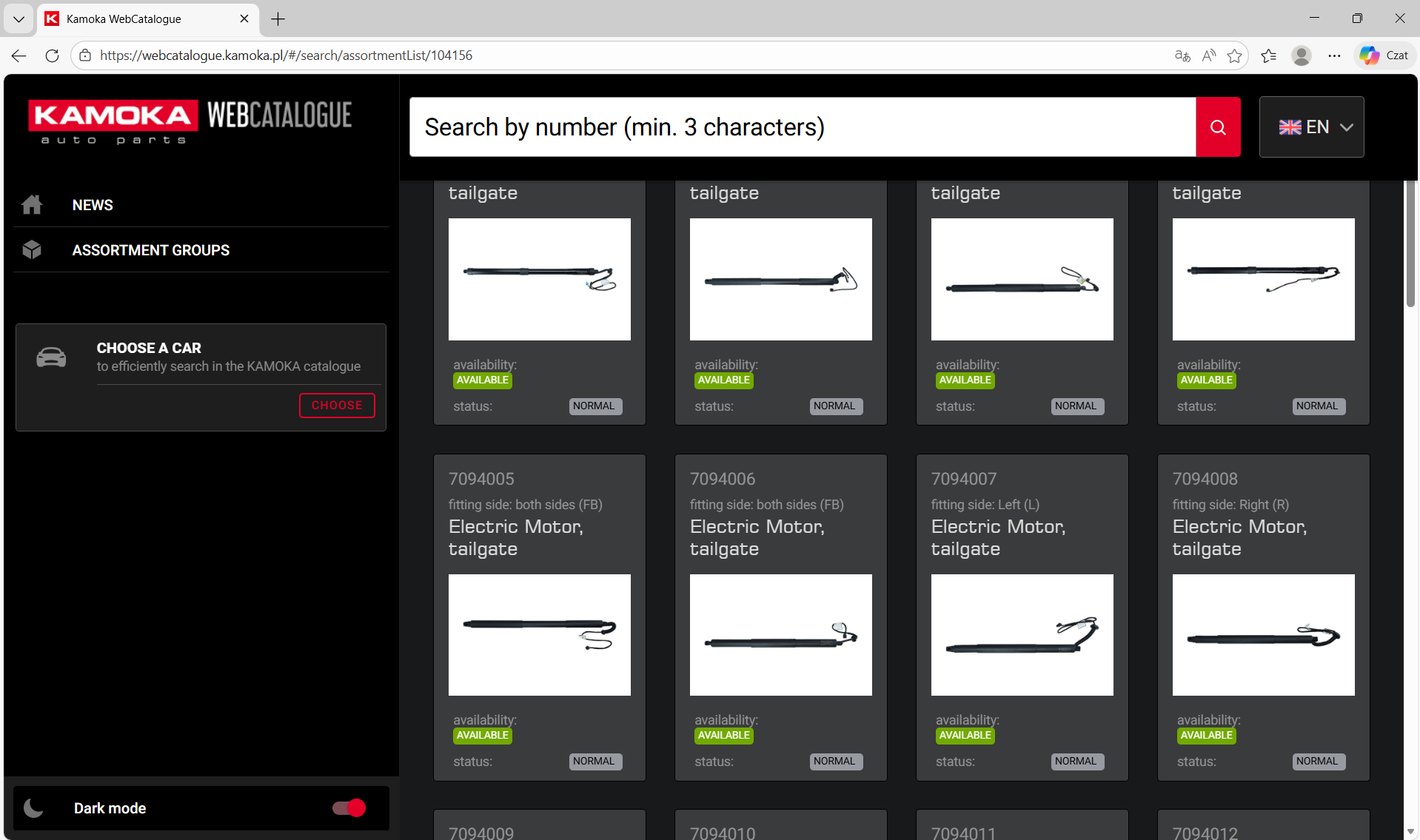
Photo: copyright KAMOKA brand
All information is continuously updated, and the application significantly reduces the time needed to find the right part and obtain complete product data. The intuitive menu and simple interface make it easy to use.
Mobile and Desktop Versions – Capabilities
KAMOKA WebCatalogue is available both as a mobile application and in a browser (desktop) version. Both versions offer a similar range of functions, but each of them works well in slightly different operating conditions.
Mobile App
It is the perfect solution for mechanics and workshop employees who need information here and now, often directly at the car. With the app installed on your smartphone, you always have the catalog with you – in the workshop, in the parts warehouse, or when visiting a customer. Thanks to the barcode scanning function, the mobile version wins in terms of speed of service: it only takes a moment to scan the code from the box and display the product card. The mobile app works online, using the current KAMOKA database, so the user can be sure that the information about the parts is updated on an ongoing basis.
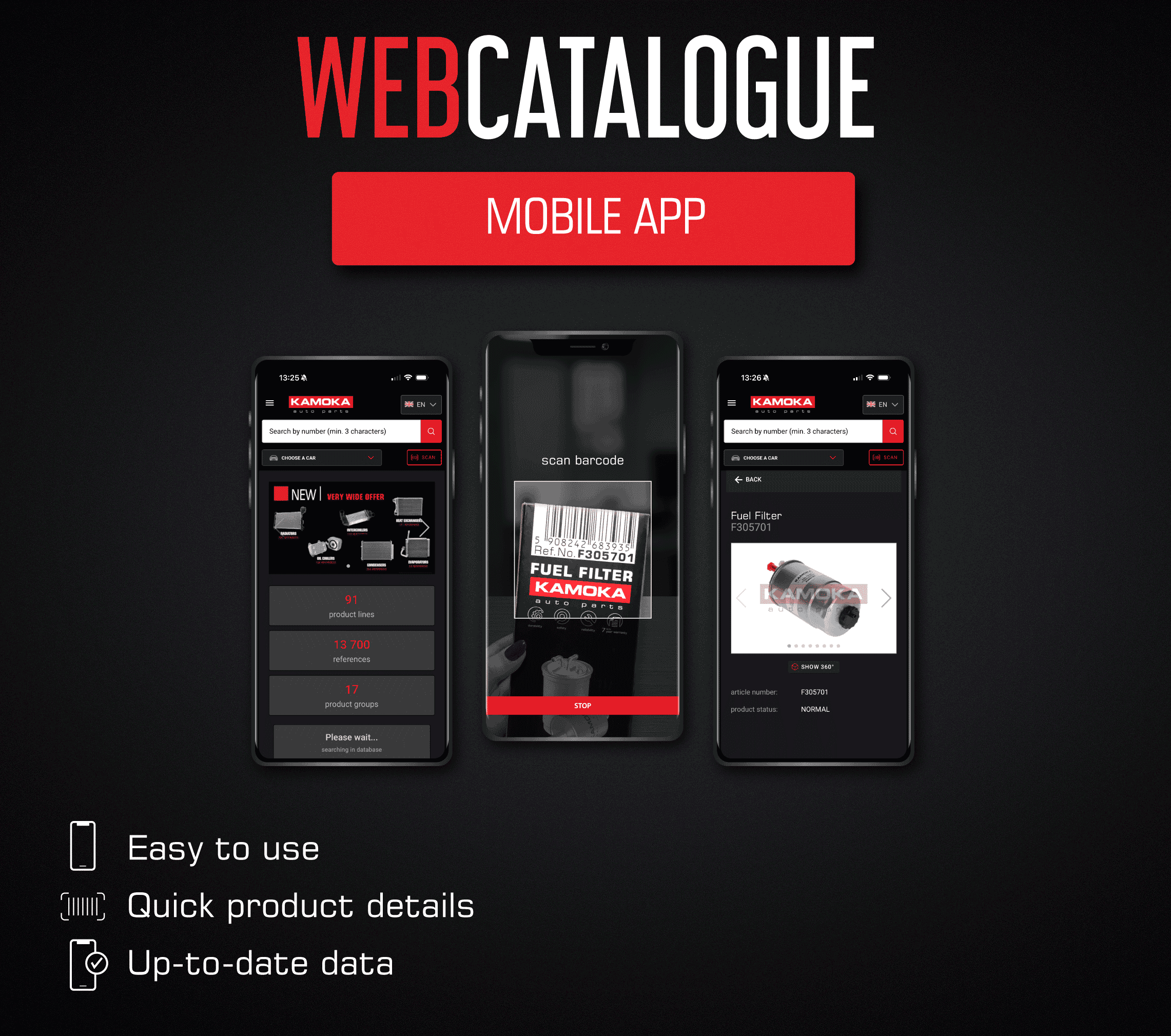 Photo: copyright KAMOKA brand
Web App
WebCatalogue, accessible via a browser, is useful in an office, warehouse, or parts store where work is done on a computer. On a large screen, it is easy to browse through entire catalogs, compare several results at once, or read longer technical specifications. The web version has the same search engine—you can filter parts by vehicle or number—and displays the same product data. The advantage is that no installation is required: just go to the KAMOKA catalog website and start searching. If necessary, you can also easily print a product card from your computer or send a link with information about the part to a customer.
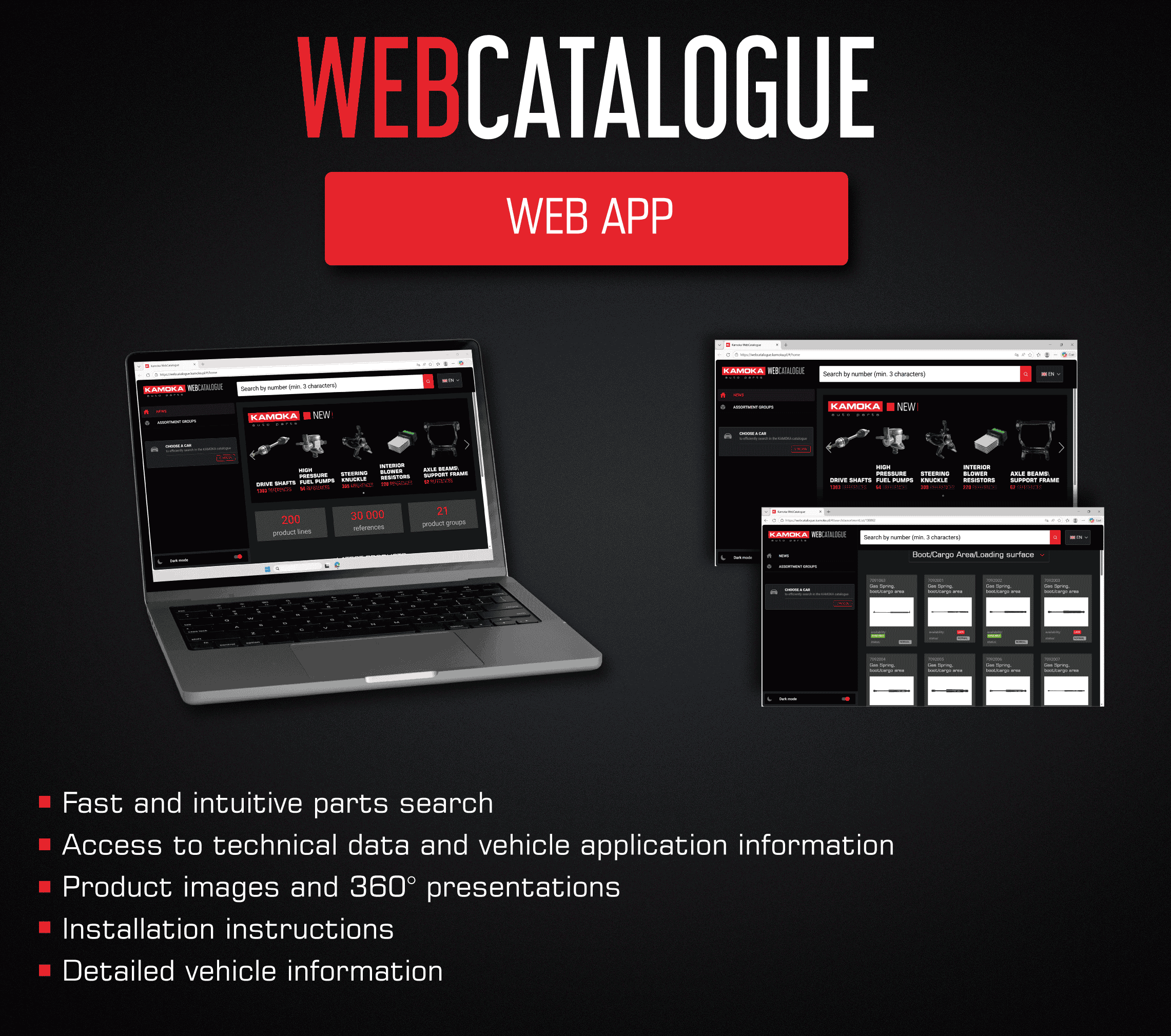
Photo: copyright KAMOKA brand
In practice, users can freely use both versions—for example, a mechanic in a workshop can check a part on their phone, while an office worker can simultaneously prepare an order on their computer based on information from the catalog. The data is consistent on both platforms, ensuring continuity of work.
Who is the app for and where can it be downloaded?
The KAMOKA WebCatalogue mobile app is available free of charge to anyone interested. It can be downloaded to Android devices (Google Play store) and iOS devices (App Store), as well as from the Huawei AppGallery store. Installation is quick and easy – after a moment, the user gains access to the full KAMOKA parts database from their phone or tablet.
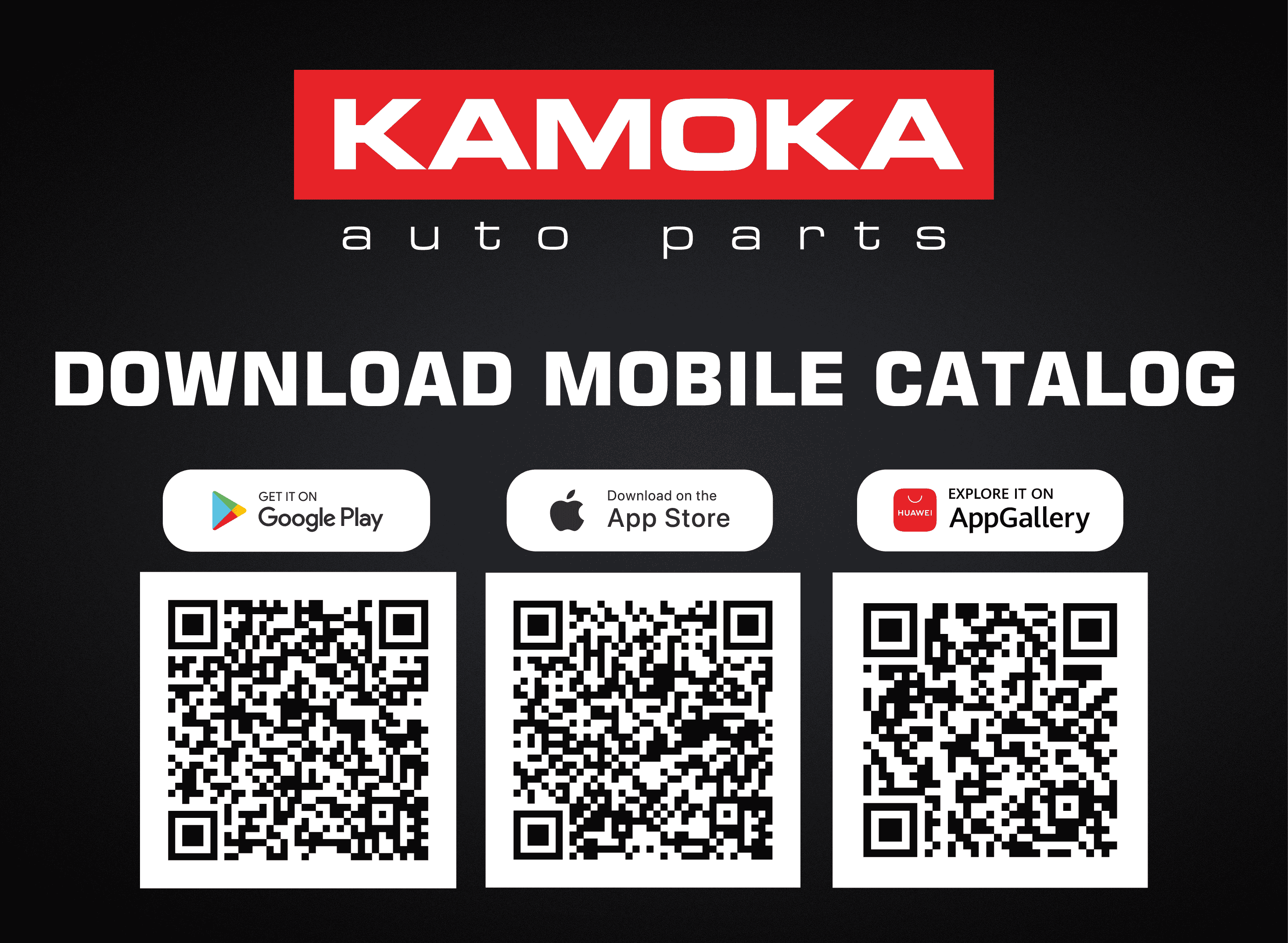
Photo: copyright KAMOKA brand
The online version of the catalog is available via a web browser at the official address: Kamoka WebCatalogue


